Monotone
Use these functions to automatically create a consistent color palette for your slides, based around a single color.
style_mono_light()
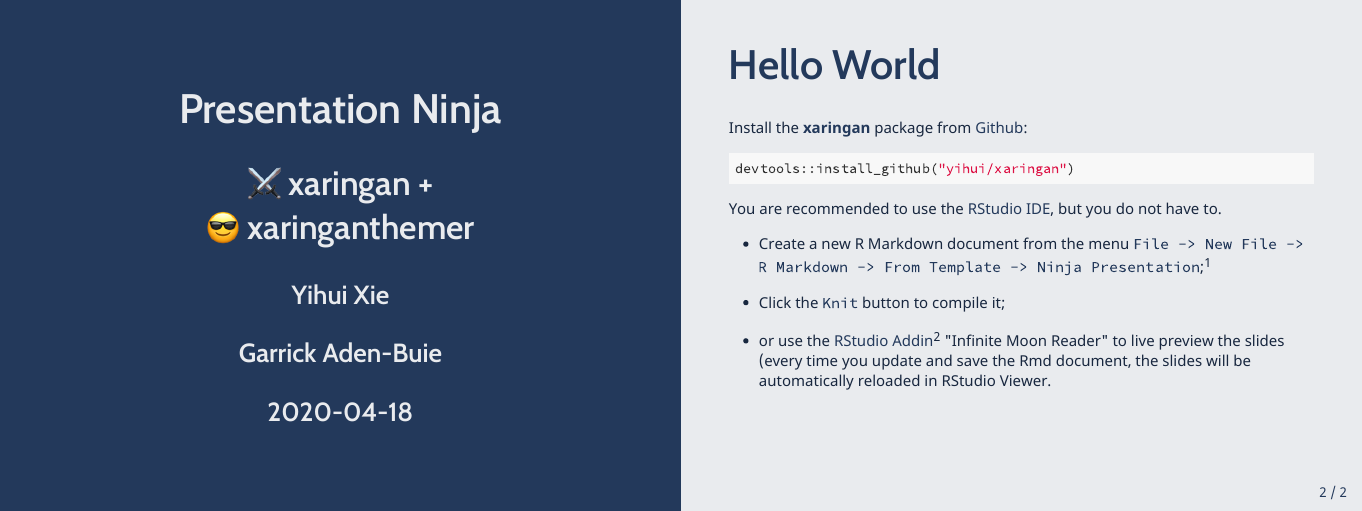
A light theme based around a single color.
style_mono_light(base_color = "#23395b")
style_mono_accent()
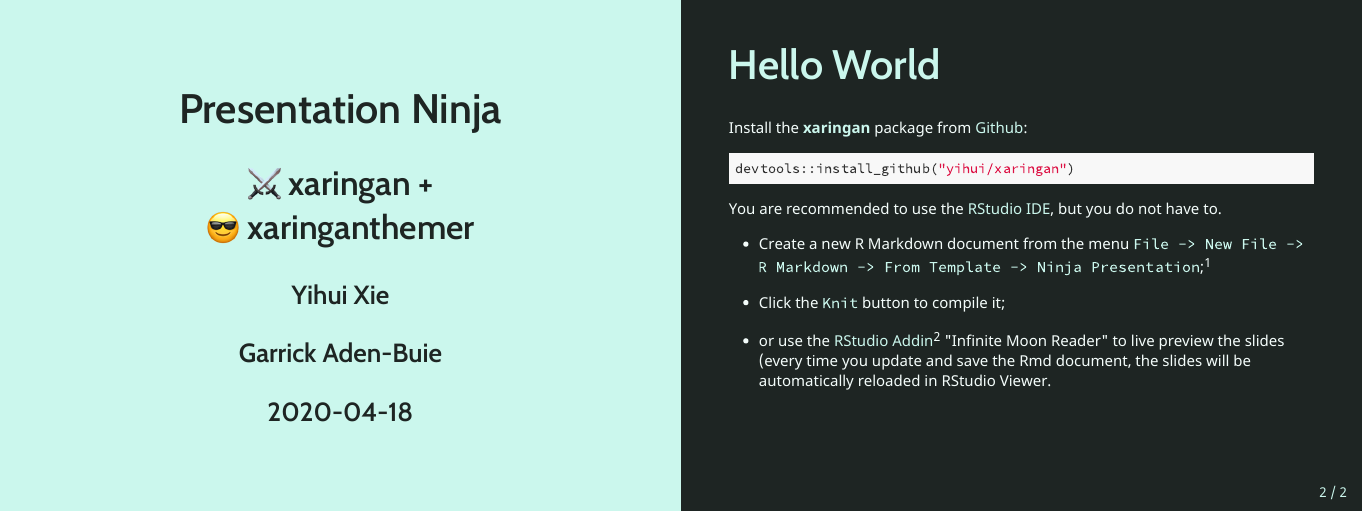
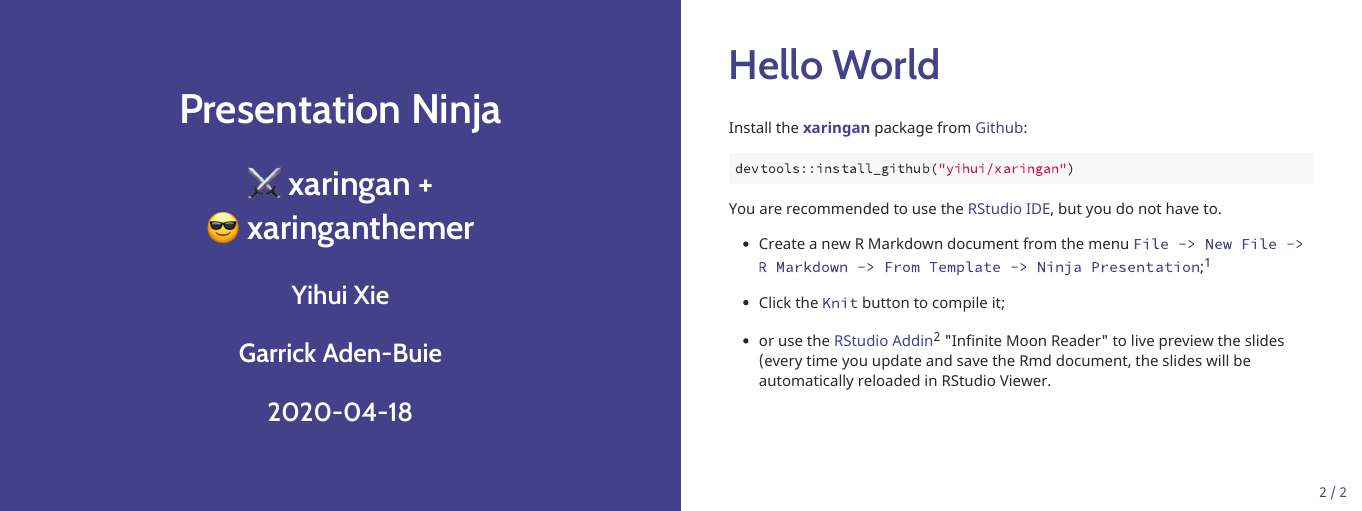
The default xaringan theme with a single color used for color accents on select elements (headers, bold text, etc.).
style_mono_accent(base_color = "#43418A")
style_mono_accent_inverse()
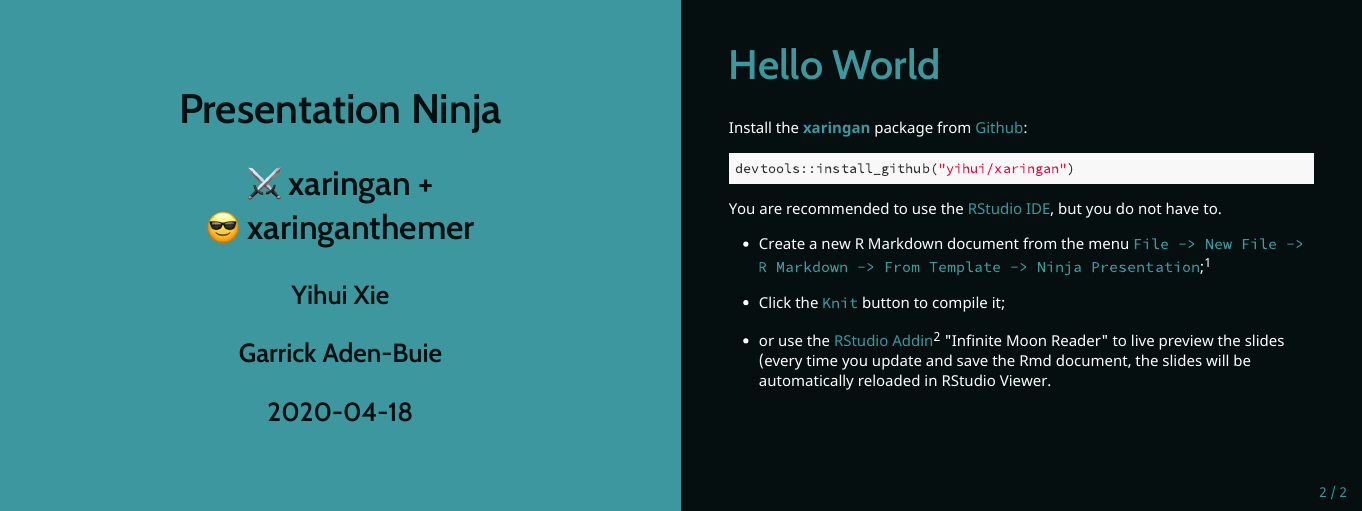
An “inverted” default xaringan theme with a single color used for color accents on select elements (headers, bold text, etc.).
style_mono_accent_inverse(base_color = "#3C989E")
Duotone
These themes build from two (ideally) complementary colors.
style_duo()
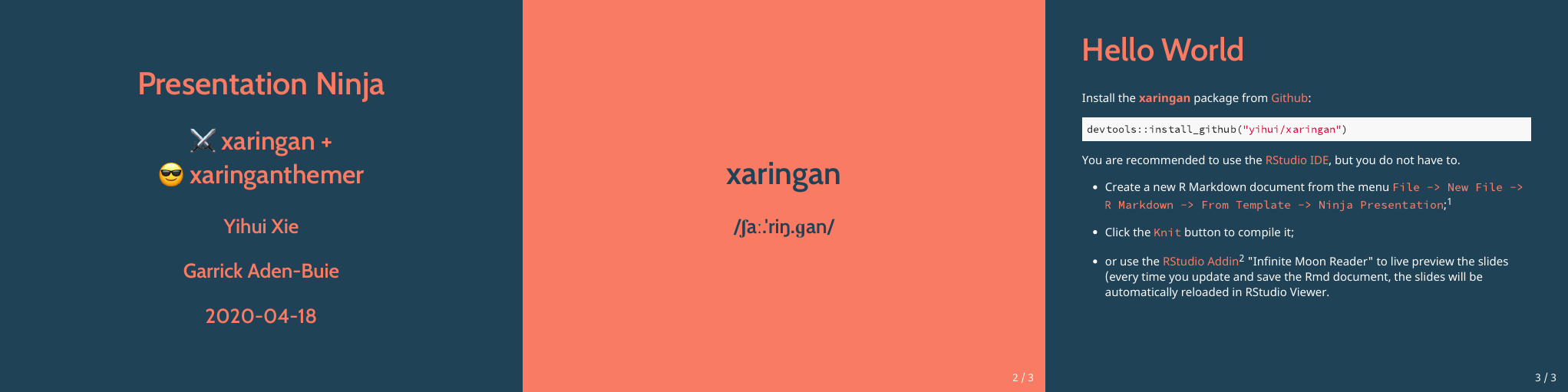
A two-colored theme based on a primary and secondary color.
style_duo(primary_color = "#1F4257", secondary_color = "#F97B64")
style_duo_accent()
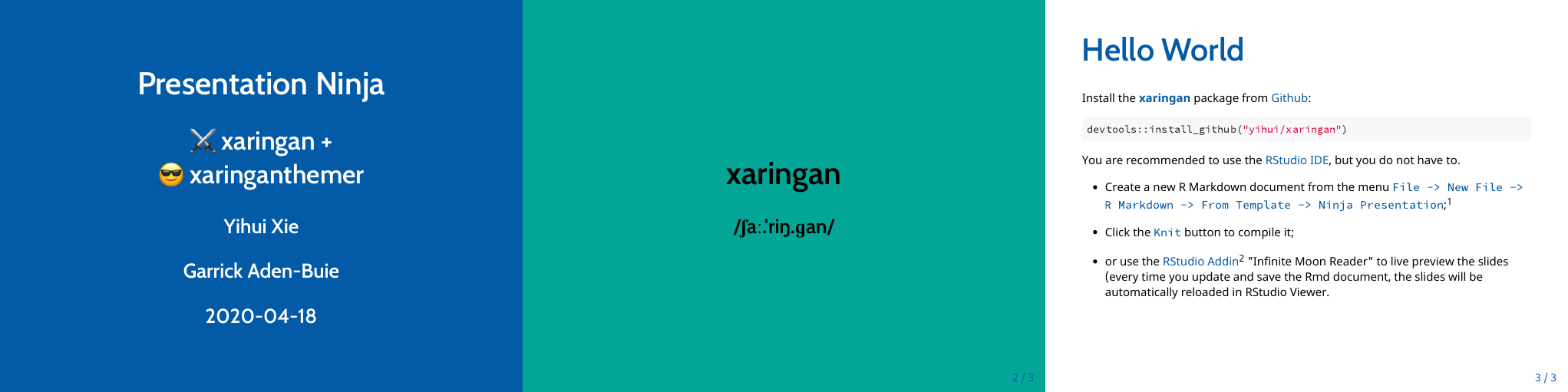
The default Xaringan theme with two accent colors.
style_duo_accent(primary_color = "#006747", secondary_color = "#CFC493")
style_duo_accent_inverse()
An “inverted” default Xaringan theme with two accent colors.
style_duo_accent_inverse(primary_color = "#006747", secondary_color = "#CFC493")
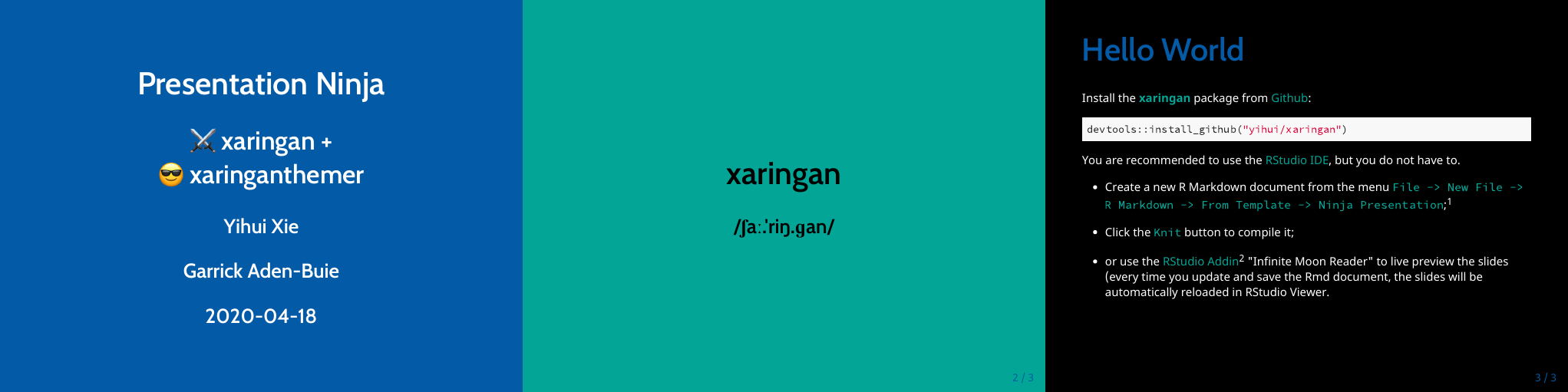
Solarized
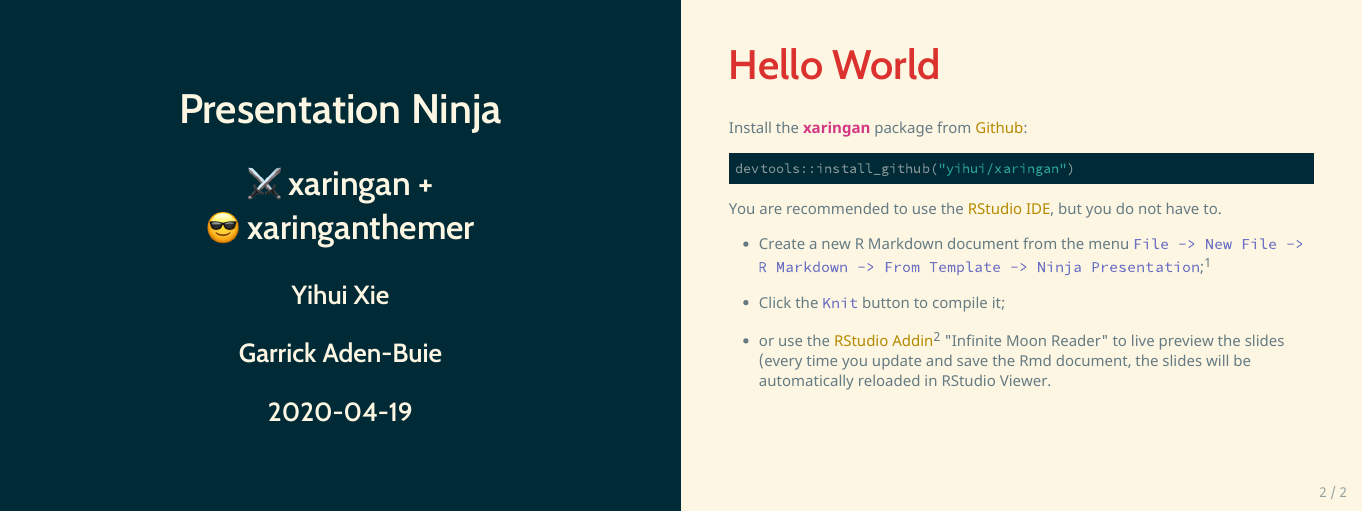
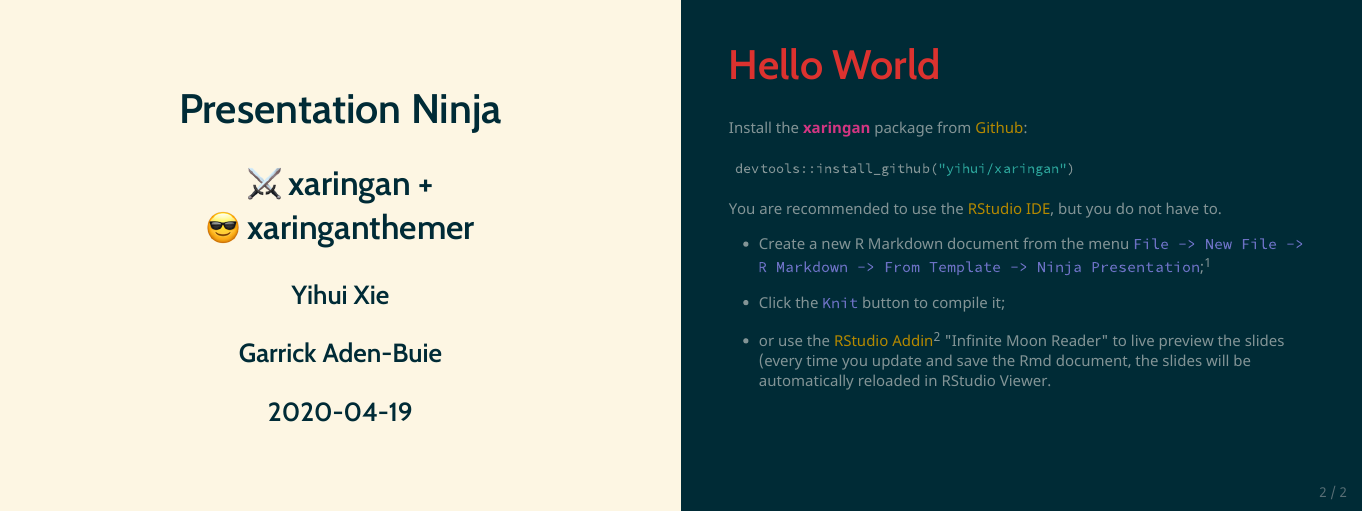
There are also two themes based around the solarized color palette, style_solarized_light() and style_solarized_dark(). For both themes, it is advisted to change the syntax highlighting theme to solarized-light or solarized-dark (looks great paired or constrasted).